Welcome back to another Tech Report for the 2021-2022 school year. Things are a little bit slower now that we have been in school for two months, but I still have a few things to discuss in this report.
Network Improvements
After some of the issues we experienced at the start of the school year, I made a few more changes to our network to try and improve the quality of service people experienced in the building. On our virtual Wednesdays last month, I came into the building and mapped out our network. This included finding out where every wire goes and how every switch connects to our network. While this was done years ago, our network has changed and grown over time making the old map inaccurate. Through this process I was able to find a loop in our network that may have also been contributing to inconsistent connections. Our firewall was connected to a switch that connects to the Internet. On this switch, two other switches were connected…but they were also connected to each other. This created the loop. It can get confusing, thus why I wrote it all down. I fixed the order of how everything connects and removed an old switch. Now the firewall connects directly to our Internet switches so there is no possibility for a loop. None of this is anything anyone would have noticed; however, it should make a huge difference in ensuring issues do not occur in our network.
I am still waiting on a new core switch and other network upgrades. These were originally supposed to ship this summer. Then they were pushed back to the end of August. Now they are showing January 2022. It is looking like these will not be installed until the end of this school year or possibly even the summer.
Guest Network
In addition to rewiring and mapping out our network, I worked with our network engineer to get the Guest Network up and running. The guest network works as it has in the past. Students, staff, and guests can connect to the network. Once connected they are required to register their devices to browse the Internet.
Now our guest network is set up with a different IP range and uses specific DNS servers to filter guest traffic. This has been a goal for a while to separate guest traffic from the rest of the network. The switching of our web filter to Securly caused the need for a separate DNS servers as well.
Gym Media Displays
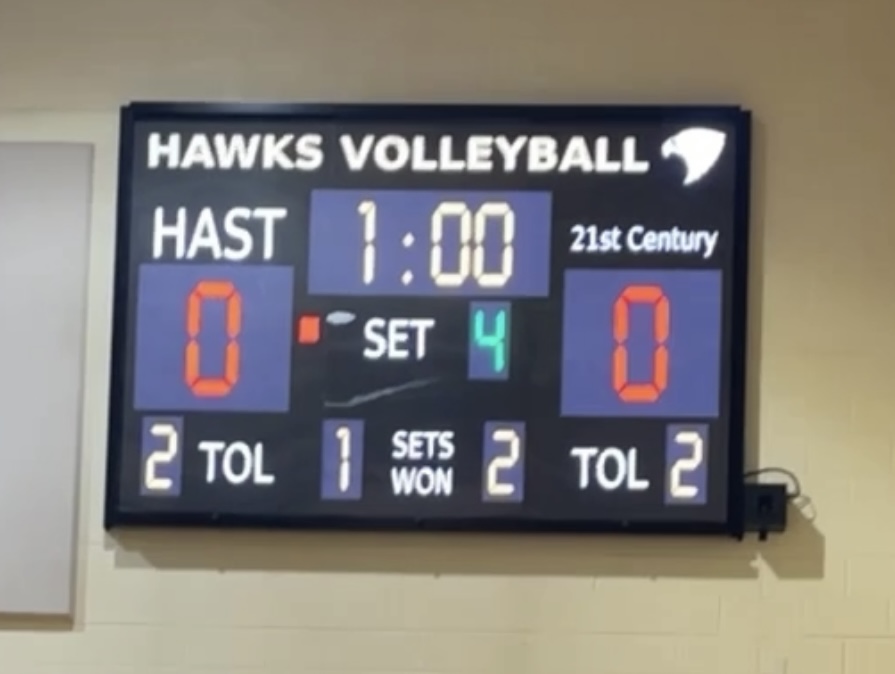
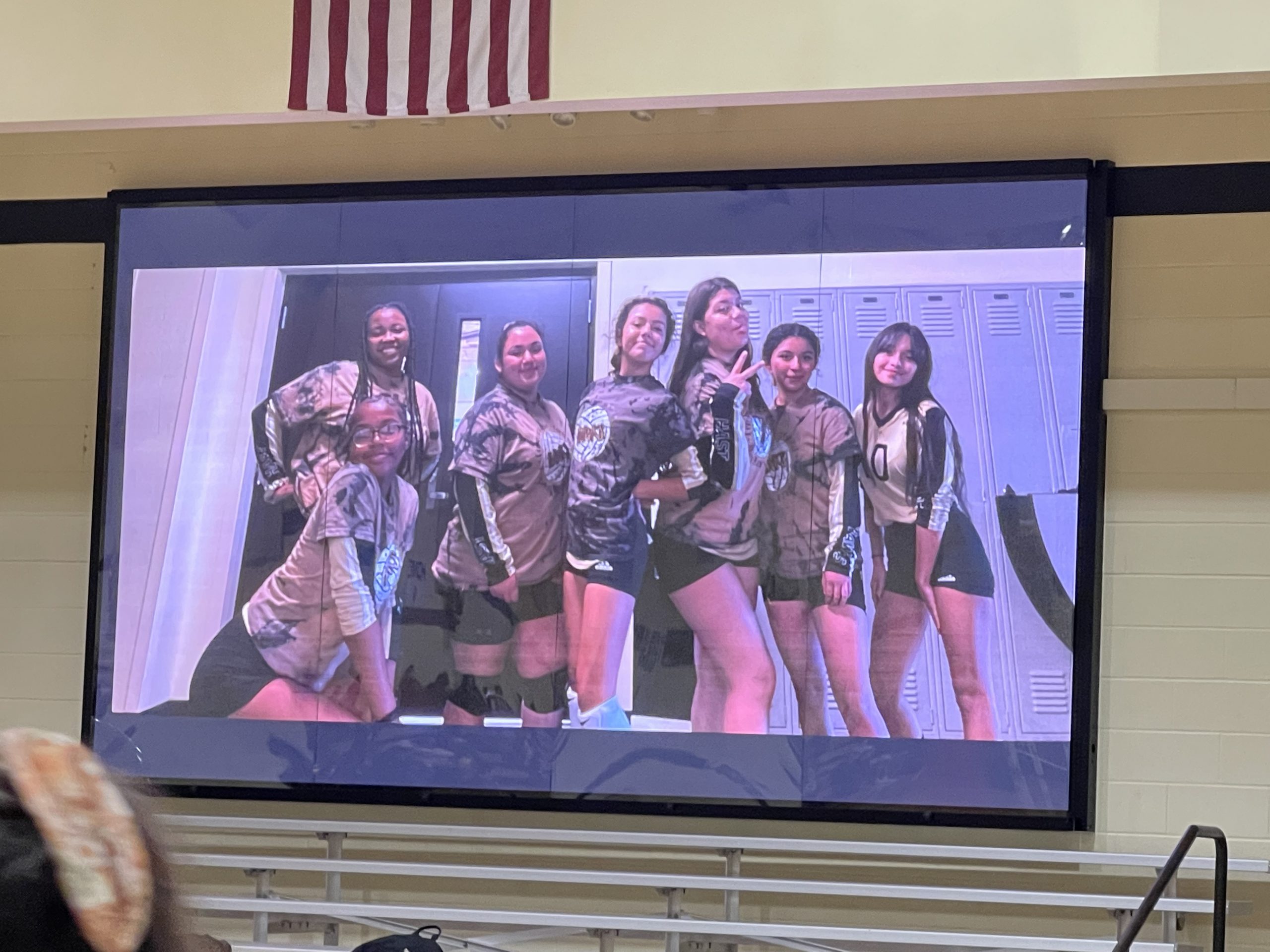
Last month the displays and the gym were configured and ready for use. These displays along with the new sound system make quite an impression when you walk into the gym. The display on the stage can have a computer directly connected to it, or use the controller to display a slideshow of text, images, video, etc. The two scoreboard displays have their own separate controller to use for keeping score as well as the ability to use a separate controller for displaying the same as the stage display. If you haven’t taken a look, you should check them out. Here are some images below of these displays in action:
iOS 15
On September 20th, iOS 15 was released. As I do with all major iOS releases, I put a 30 day delay on student ability to upgrade. The purpose of this delay is for all bugs to be worked out of he new iOS release. Usually there are several releases within the first couple weeks of a new iOS update. On day one, there was an issue with how iOS 15 worked with many different vendors including web filter software. Luckily for us, the delay along with Securly’s excellent engineering team made this a non issue. They had a fix implemented within a couple days. As of right now, there is no reason to delay student download of iOS 15 once the 30 days is up. State testing software will work with iOS 15 as they have been testing it before release. I have downloaded iOS 15 and seen nothing that would cause hesitation.
Support Ticket Breakdown
As to be expected, Support Tickets were much lower in September. This always happens after the beginning of the year rush is over. PowerSchool had the most tickets as it often does during the beginning of the year, though the numbers are greatly decreased. After that we had a few printer issues and a few google apps issues to resolve.
Lost/Stolen iPads
Lost iPads were extremely high last month. 6th and 8th grades competed to see who would have the most lost iPads for the month. 8th grade came out on top. Please do a better job of not losing your iPad. Carelessness can lead to permanent loss. Unfortunately, one of the 8th grade iPads was lost outside school and not recovered.
Broken iPads
Only one broken iPad in September. Continue to take care of your devices and replace screen protectors when they break.
Reminders
Please remember to fill out support tickets for support issues.
Take care of your devices.
Visit HAST Tech Store for chargers, screen protectors, and to pay iPad deductible online